Console
Every node, every room, one screen.
See every Domia in the house, apply a configuration template, replay any conversation and check how fast each reply started. The console runs on your own network. The online demo is a read-only copy of a real home.
The console, screen by screen
A read-only demo of a real home mesh runs online; every screen below is a capture of the real console.
Conversations
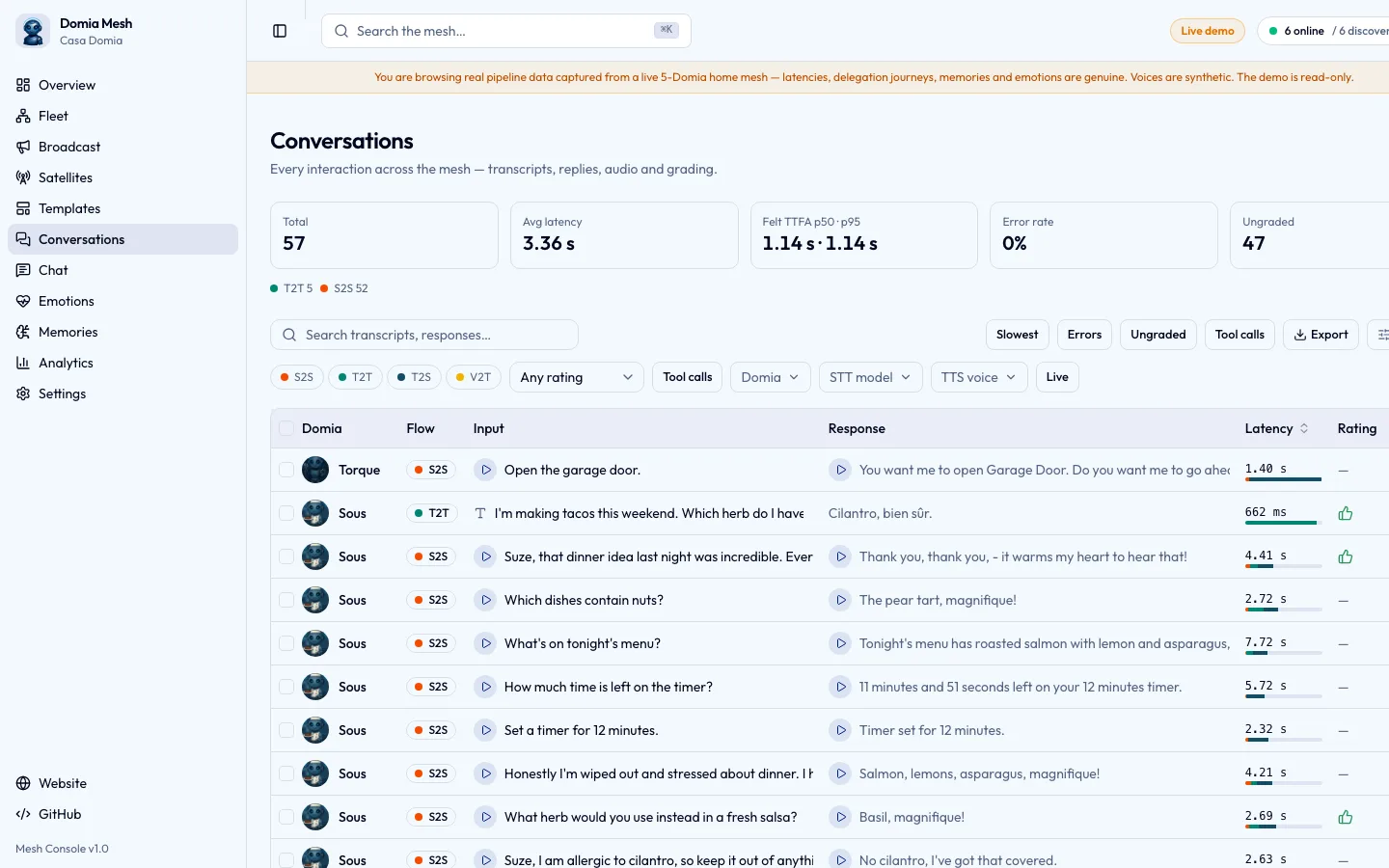
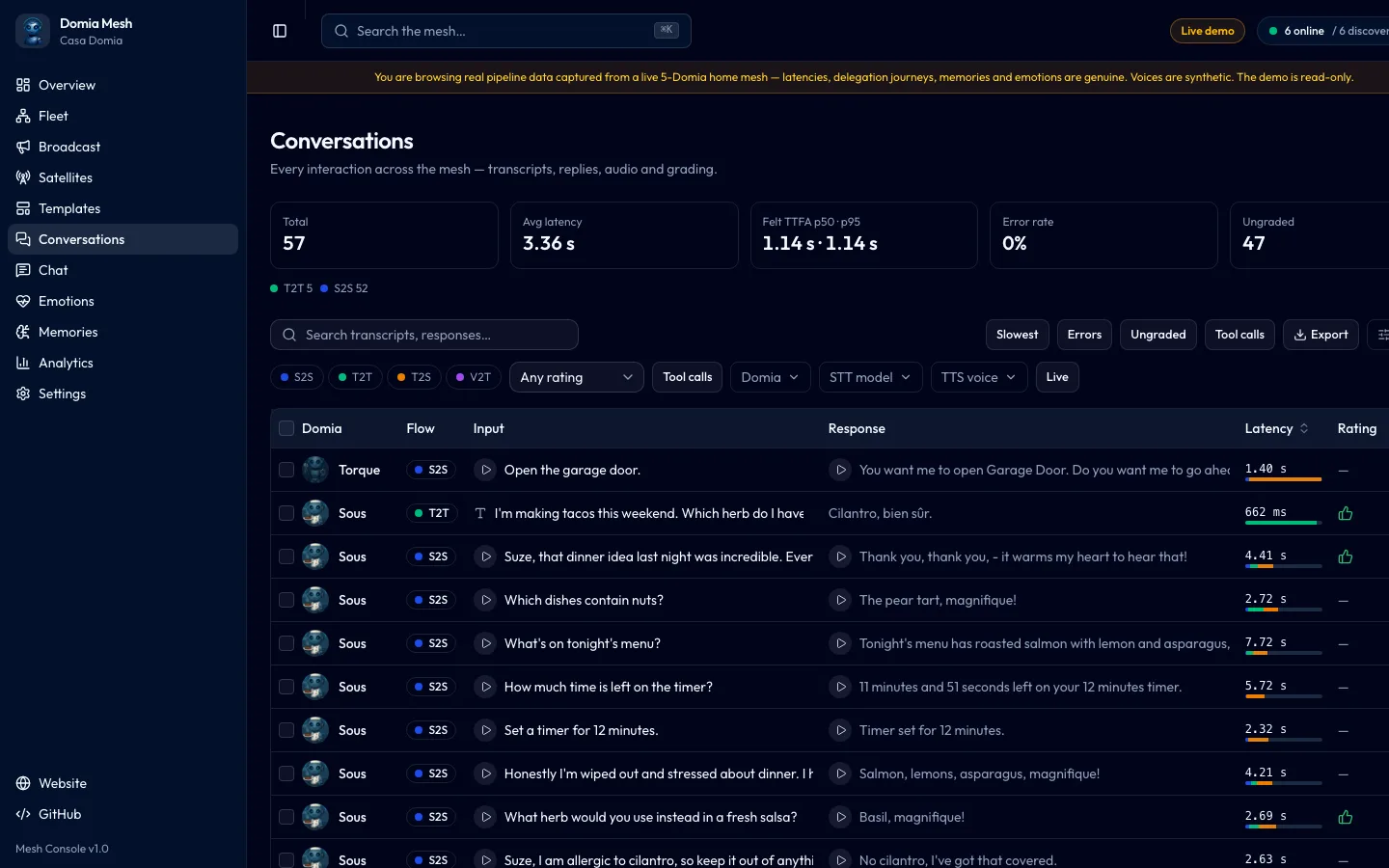
Every interaction on the mesh with its transcript, reply, audio, latency per stage and a grade.
What to look at
- Transcript and replyEach row is one turn: which flow handled it, what was heard and what was answered.
- Latency per stageThe bar splits each turn into speech to text, model and speech; open a row for the exact timings.
- Listen to itPlay what was heard or what was answered; open the turn to grade it or run it again.
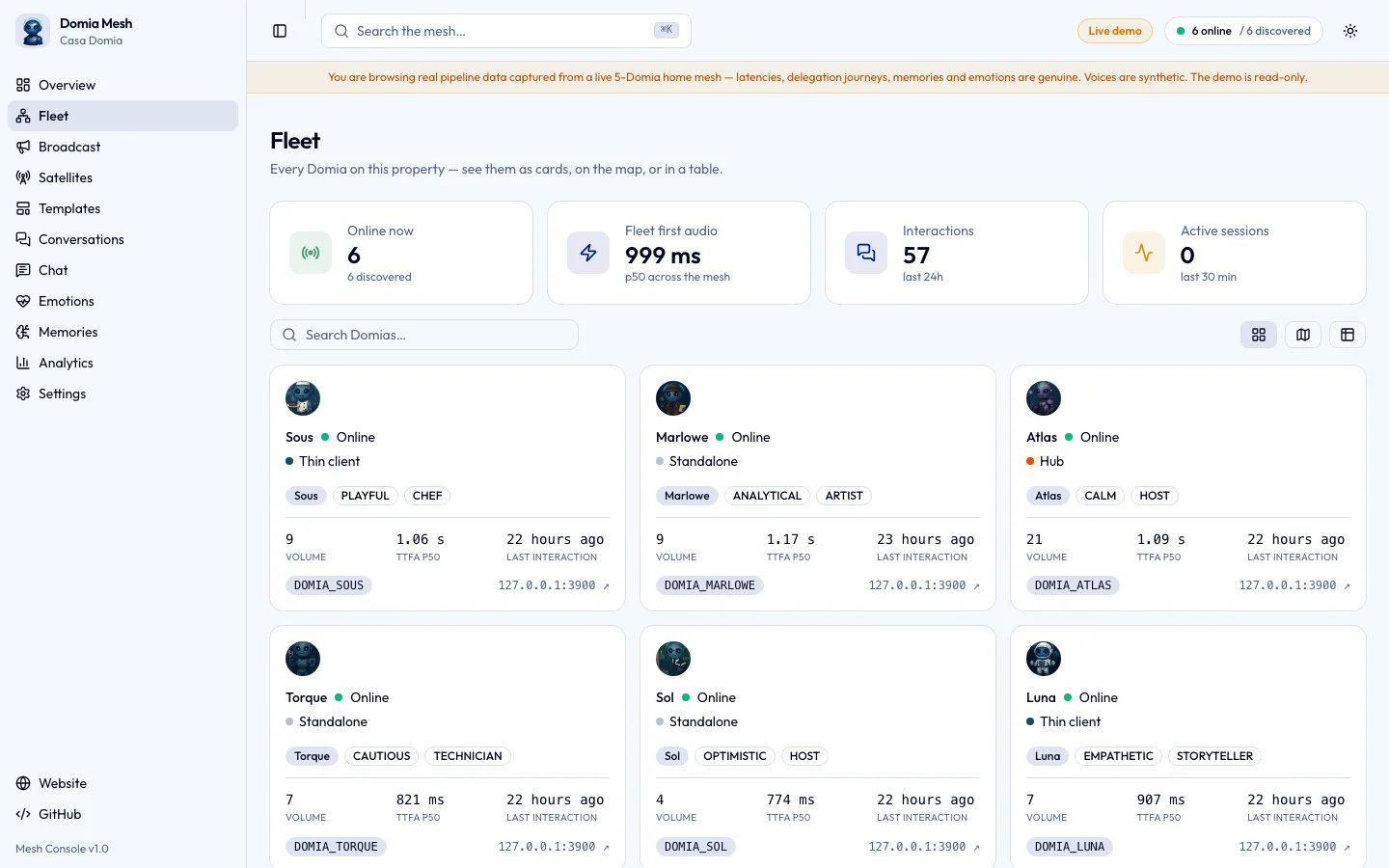
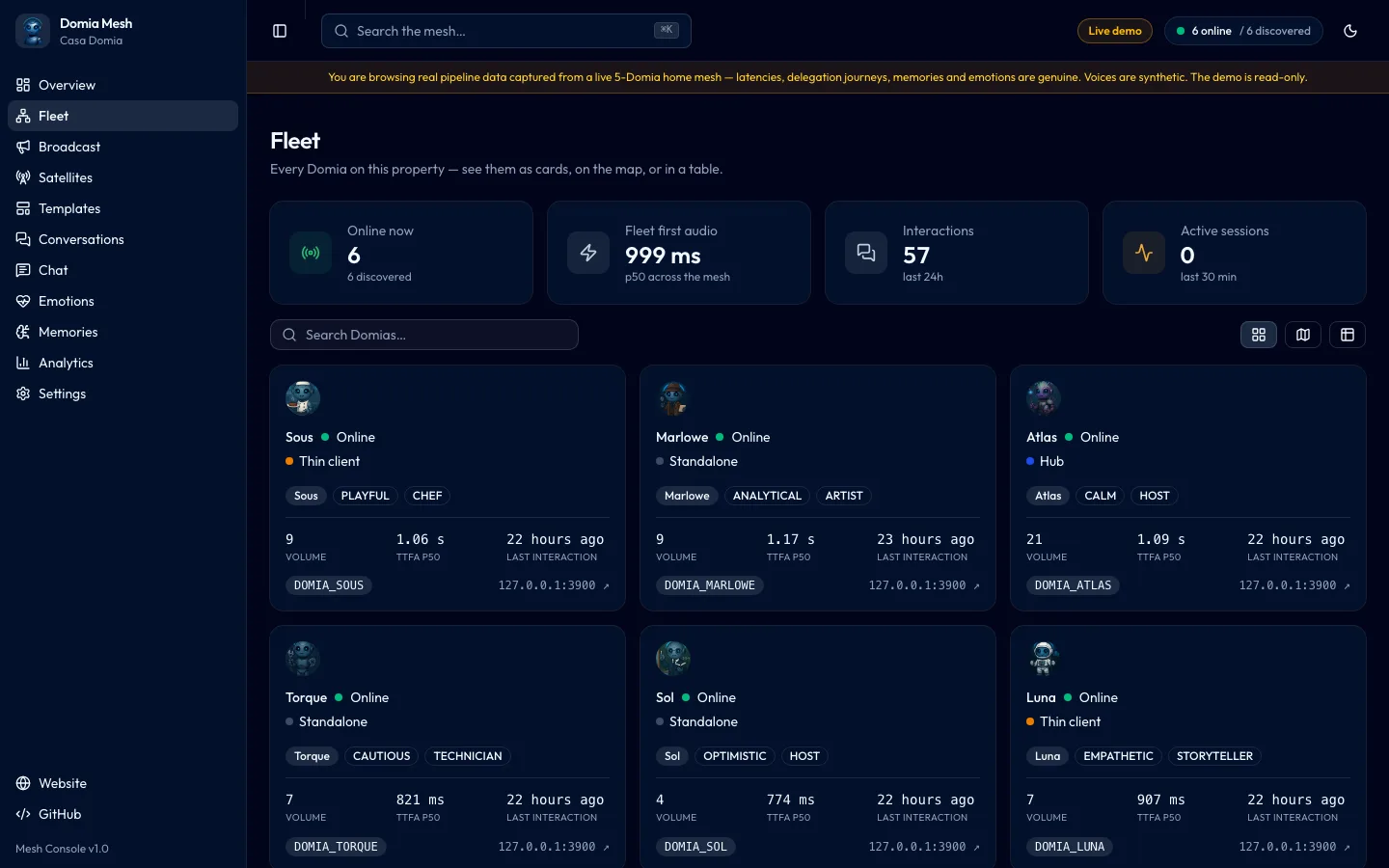
Fleet
One card per identity with its role, latency and volume, and a page where its whole configuration is edited live.
What to look at
- One card per DomiaName, temperament, role, latency and volume at a glance; the full configuration is edited live on its page.
- Open a DomiaEach card opens that Domia's page, where you apply a template or edit its configuration; most edits reload live.
- Thin clientsA thin client keeps wake word and audio local and delegates the rest; its routines are set on its own page and its satellites on the Satellites screen.
Templates
System and custom templates, each a full configuration you apply to any Domia or compare with what it runs now.
What to look at
- A system templateStandalone runs the whole voice chain on one machine; inference hub, thin client and tuned variants ship beside it.
- What a template carriesThe chips preview model and voice; underneath sit engines, delegation and skills.
- Apply to a DomiaPick a Domia and apply; the node restarts with its new role, and later edits reload live.
Memories
What each Domia remembers: facts, episodes and the user model, browsed here in their own tabs and edited on each Domia's page.
What to look at
- Three layersFacts, episodes and what each Domia knows about you sit in their own tabs; search or narrow to one Domia just below.
- A factEach fact names the Domia that learned it, when, and how confident it is.
- Trace backConfidence plus a link to the turn that produced it; episodes and the user model are checked the same way.
More screens
What changes on your own network
Browse the live demo
A read-only copy of a real console, with real conversations behind it.